Creating an Account, Raja Game
Creating an account: what Indian raja game players need to know before they start, in plain language.
What Is Creating an Account?
Creating an account with Raja Game is the one-time registration process that gives you a personal profile on the platform. Until you complete registration, you are browsing as a guest and cannot place any bets, claim bonuses, or track your activity history. The moment your account is live you own a private space tied to your mobile number or email address, and every session you play thereafter is recorded under that identity.
Raja Game operates as a closed platform, meaning all gameplay, wallet transactions, and reward redemptions are locked behind a verified account. Registration is free and takes under three minutes on any standard smartphone or desktop browser. There is no separate membership tier required to open a basic account, the process described below applies to every new player equally, regardless of the device they use.
Understanding what registration actually does helps you set expectations before you begin. When you register, the platform assigns you a unique player ID, creates an encrypted credential pair (your login username or phone number plus a password you choose), and opens a zero-balance wallet ready to receive your first deposit. Nothing is charged or committed until you choose to fund that wallet separately after registration is complete.
Creating an Account Step by Step
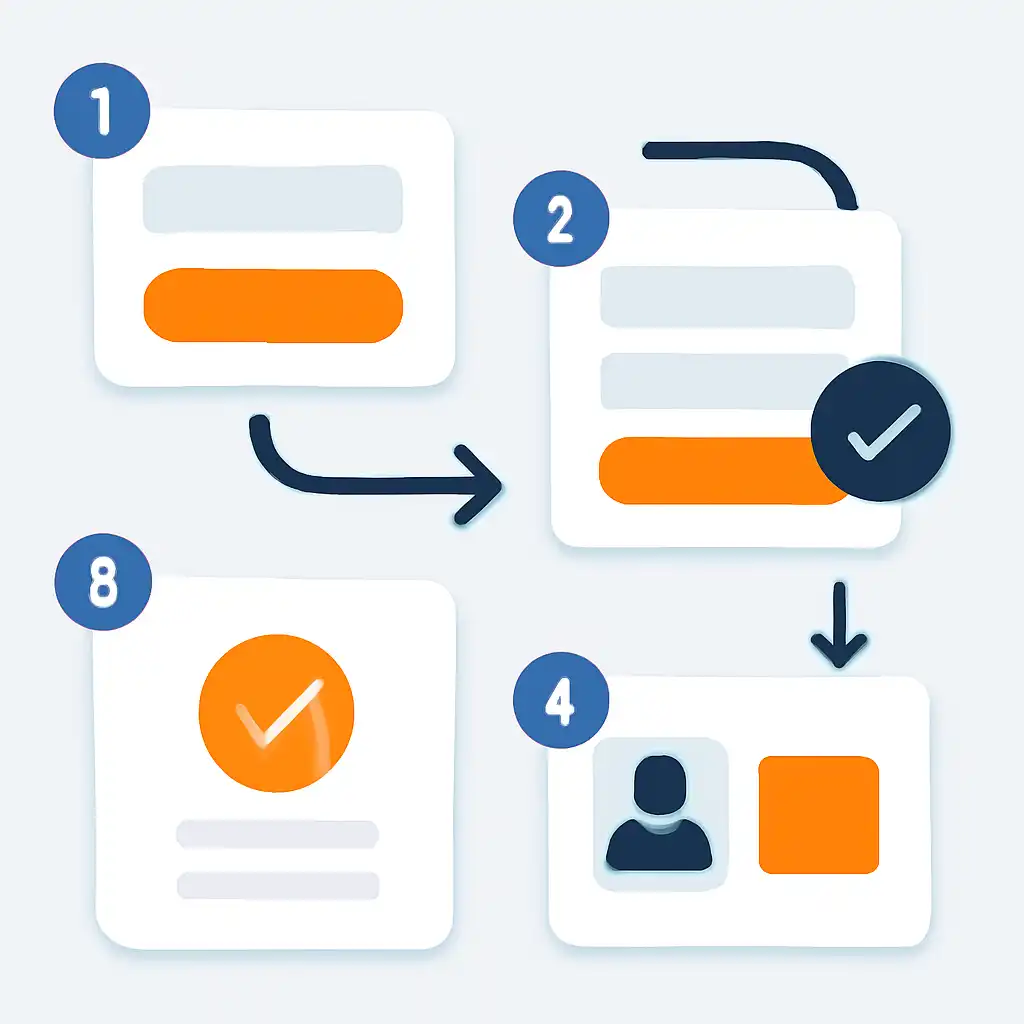
Follow these steps in order. Each step builds on the last, so skipping ahead can cause the form to reject your submission.
Step 1, Open the Raja Game registration page
On your browser, navigate to the official Raja Game website at raja-lucks.org. Look for the button labelled Register or Sign Up: it sits in the top-right corner of the homepage on desktop and in the main navigation menu on mobile. Tap or click it to open the registration form.
Step 2, Enter your mobile number
The first field asks for a valid Indian mobile number (ten digits, without the country code prefix). Raja Game uses this number as your primary account identifier, so enter the number you use daily and have full access to. A one-time password (OTP) will be sent to this number in the next step, so the SIM must be active and in your phone right now.
Step 3, Verify with the OTP
Within a few seconds of submitting your number, Raja Game sends a six-digit OTP via SMS. Type it into the verification field before the countdown timer expires, typically sixty seconds. If the OTP does not arrive, check that you entered the correct number, then use the Resend OTP option to request a fresh code. Do not close the browser tab between receiving the OTP and entering it, or the session may reset.
Step 4, Set your password
Choose a password that is at least eight characters long and includes a mix of uppercase letters, lowercase letters, numbers, and at least one special character such as @, #, or !. Raja Game enforces minimum complexity rules and will highlight the password field in red if your choice does not qualify. Confirm the password by typing it a second time in the field below.
Step 5, Enter your referral code (optional)
If a friend gave you a referral code, enter it in the referral field on this same screen before you tap Submit. Referral codes cannot be added retroactively once the account is created, so this is your only opportunity. If you have no code, leave the field blank, it is not required.
Step 6, Submit and confirm
Tap Register or Create Account. The platform processes your details instantly. If everything is accepted, you are taken directly to your new account dashboard. If any field has an error, the form highlights the problem in red and you correct only that field, you do not need to start over from the beginning.
Creating an Account, Tips and FAQs
Can I register with an email address instead of a phone number?
Raja Game's standard registration flow is built around mobile number verification. Email-only registration is not offered as a primary path. If you see an email field during registration it is typically for optional communication preferences, not the core account identifier.
What if my OTP never arrives?
First confirm the mobile number you typed is correct, a single wrong digit routes the OTP to a different number. Second, check whether your phone has a strong enough signal to receive SMS. Third, ensure you have not activated any SMS-blocking apps or DND (Do Not Disturb) settings that filter out short-code messages. After confirming all three, use the Resend OTP option. If repeated attempts fail, contact Raja Game customer support through the live chat link on the official site.
Can one person hold multiple accounts?
No. Raja Game's terms of service permit one account per person and one account per mobile number. Creating duplicate accounts can result in all associated accounts being suspended. If you have forgotten your login details, use the account recovery option on the login page rather than registering fresh.
Does registration require identity documents?
Basic registration requires only your mobile number and a password. However, Raja Game may require identity verification (such as a government-issued ID) at the point of withdrawal. Completing KYC (Know Your Customer) verification in advance, available from your account settings after registration, prevents delays when you first request a payout.
What browsers and devices are supported?
Registration works on any modern browser, Chrome, Safari, Firefox, and Edge on both Android and iOS smartphones, as well as Windows and macOS desktops. There is no special software to install. Visit raja-lucks.org directly in your browser to access the registration form.
Is my information stored securely?
Raja Game states that account data is encrypted in transit using HTTPS and stored under restricted access. Your password is never stored in plain text. Still, the security of your account also depends on the strength of the password you choose and whether you keep your OTP private.
Creating an Account, Safety and Timing
When is the best time to register?
Registration itself can be completed at any hour, the Raja Game platform runs around the clock and there is no scheduled maintenance window that would block a new sign-up. However, if Raja Game is running a welcome-bonus promotion, the terms of that promotion typically require you to register during a specified window and make your first deposit within a set period (often 24 to 72 hours after registration). Check the promotions section of raja-lucks.org before you start so you can plan your deposit timing accordingly.
Protect your credentials from the first moment
Choose a password you have not used on any other platform. Password reuse is the single most common way that gaming accounts are compromised, if your password leaks from an unrelated service, automated tools test it against every major gaming platform immediately. A unique, complex password specific to Raja Game removes this risk entirely.
Never share your OTP
Raja Game staff will never ask for your OTP in a chat message, phone call, or email. Any communication requesting your OTP is a phishing attempt. The OTP exists solely for you to verify your own device during registration or login, it should be entered only into the official raja-lucks.org registration form and nowhere else.

Use a private network for registration
Avoid registering over public Wi-Fi networks (airports, cafés, shopping malls). Public networks can expose your session to packet-sniffing tools. Use your mobile data connection or a trusted home or office network when you first create your account and enter your personal details.
Enable two-factor authentication promptly
Once your account is open, navigate to the security settings section of your profile and activate any available two-factor authentication option. This adds a second layer of verification so that even if someone learns your password, they cannot log in without also controlling your registered mobile number.
Record your account details offline
Write your registered mobile number and your chosen username in a secure physical location, not in your phone's notes app, which can be accessed if your device is stolen. Knowing this information makes account recovery straightforward if you ever need to reset your password or verify ownership to customer support.